
Think about the last time you went looking for something at work. A policy document. The latest version of a pitch deck. The moment in a training video where someone finally explained the process properly.
How long did it take you to find it? Did you find it at all?
For most people, the answer is "longer than it should have". On their own, these searches feel like small irritations. Added up across a team, a department or a whole organisation, they become one of the biggest hidden drains on employee productivity in modern business.
Research from the McKinsey Global Institute found that the average interaction worker spends nearly 20% of the working week looking for internal information or tracking down colleagues who can help with a task. That works out at roughly 1.8 hours a day, or around nine hours every week, spent looking for knowledge rather than using it.
Put another way, every knowledge worker in your business is losing more than a full working day each week to the search bar, the shared drive and the "does anyone know where…?" message.
The cost scales quickly. IDC research led by Susan Feldman estimated that an organisation with 1,000 knowledge workers loses around $6 million a year to unsuccessful searches alone, before counting the cost of recreating information that already existed but couldn't be found. The same research found that knowledge workers spend between 15% and 35% of their time searching for information, and find what they need half the time or less.
None of this appears as a line item on a budget. Instead, the time spent searching for information shows up as missed deadlines, duplicated work, slower onboarding and the same questions being asked, and answered, over and over again.

The problem isn't a lack of information. Most businesses have more than they know what to do with, spread across more places than anyone can keep track of.
Content lives in knowledge silos. Documents sit in SharePoint, files in Google Drive, recordings in a video library and processes in someone's head. Each tool has its own search bar, and none of them talk to each other. Finding one answer can mean checking four systems and then messaging a colleague anyway. Closing those gaps is the central job of enterprise knowledge management: getting what the organisation knows to the people who need it, at the moment they need it.
Most knowledge isn't searchable. Traditional enterprise search looks at file names and text. But a large share of valuable knowledge is locked inside video, audio, images and dashboards. A recorded all-hands, a product demo or a client workshop might hold exactly the answer someone needs, yet a keyword search can't see inside any of them.
Search gives you files, not answers. Even when search works, it hands back a list of documents to open, skim and cross-check. The real question ("What's our refund window for enterprise clients?") still needs a person to piece the answer together, often from several sources that don't quite agree.
Language gets in the way. For global teams, the right answer may already exist in a document written in another language. To anyone searching in their own, it's effectively invisible.
The symptoms are usually easy to spot once you know what to look for. Ask yourself:
If you answered yes to two or more, your teams are almost certainly paying the search tax.
Newer approaches to AI knowledge search change the model entirely. Rather than matching keywords, they use techniques such as vector search to understand what a question means, and retrieval-augmented generation to produce an answer grounded in specific source material rather than a model's general training.
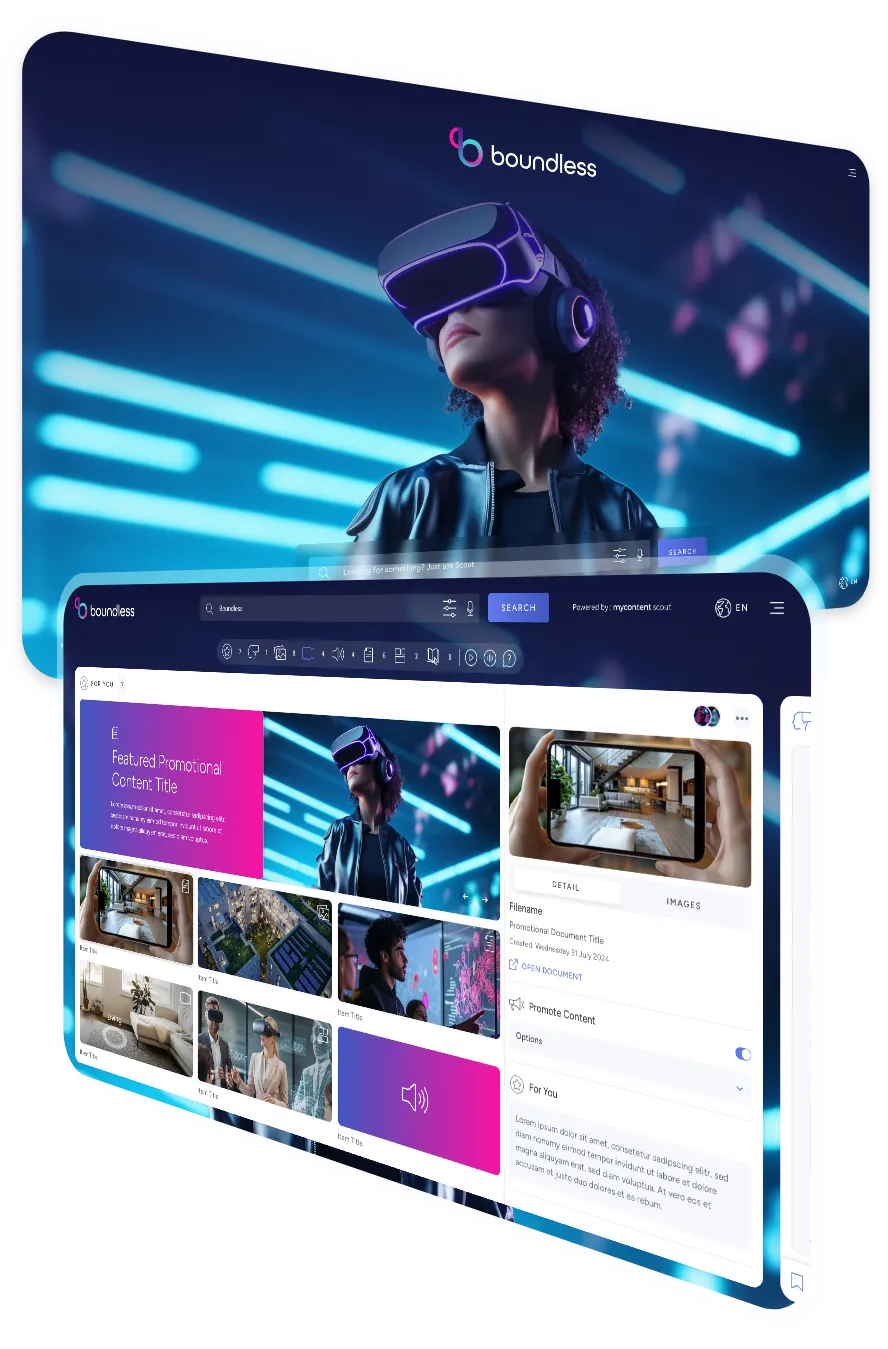
MyContentScout is an enterprise AI knowledge platform built on that idea. Instead of searching for files, your teams ask a question in plain language and get a cited answer in seconds, drawn directly from your organisation's trusted content.
It works with the tools you already use, including Google Drive and SharePoint (OneDrive coming soon), on desktop, tablet and mobile.
The benefits reach right across the business, but some teams notice them almost straight away.
HR teams stop answering the same policy questions every week. New starters can find what they need during induction without waiting for someone to reply to an email, which makes employee onboarding smoother for everyone involved.
Marketing teams find approved assets and messaging without digging through folders, which lowers the risk of an outdated logo or superseded claim slipping into a campaign.
Service and support teams give customers accurate answers faster, backed by a source they can point to.
Engineering teams get to technical documentation without breaking focus or interrupting a colleague mid-task.
Across all of them, the result is the same: less time searching, and more time spent on the work people were hired to do.
At 1.8 hours a day across a typical working year, time spent searching for information adds up to around 446 hours per person. That's the time MyContentScout is designed to hand back: up to 446 hours per user, every year, or more than eleven working weeks.
Scale that across a team of 50 and you're looking at over 22,000 hours a year returned to meaningful work. For a business of 1,000, it's the equivalent of hundreds of extra people's worth of capacity, without a single new hire.
Want to see what that looks like for your business? Use the ROI calculator on our website, or start a free 30-day trial for up to 10 users and 1,000 pieces of content. No guesswork, no lengthy setup.





Get in touch with our team to arrange a demo of MyContentScout and see how it could transform your workflow with AI search, content analysis and categorisation, saving you time and providing smart insights from various sources.